Pick your property type
HDB, condo or landed -- Homees loads the right rooms, appliances and Singapore templates.
How it works
One loop: capture what happens, remember it forever, and turn it into advice. Here's what that looks like in real life.
Setup
Five short steps, mostly ticking boxes. You end with a working home and a health score.
HDB, condo or landed -- Homees loads the right rooms, appliances and Singapore templates.
Add the spaces you have. Rename or add more anytime.
Aircon, water heater, fridge -- from templates. Details can come later.
Snap a photo; Homees reads it and files it while you watch.
See your home's first 0-100 score, with the reasons written out.
Capture
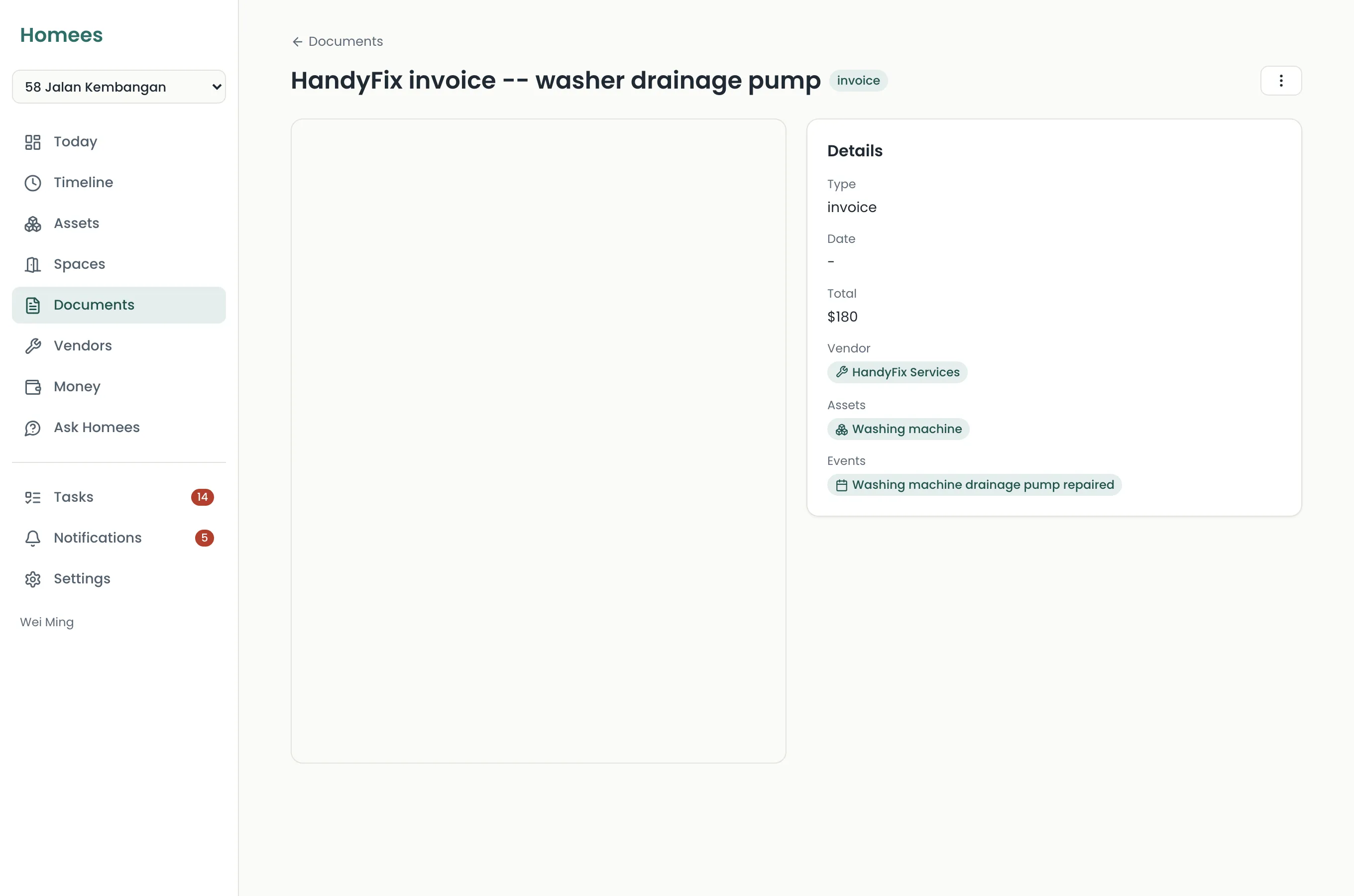
Drag a document anywhere onto the page, or snap a photo on your phone. Point the camera at a label and Homees suggests the brand and model. Then it shows you what it read and asks you to confirm.
Nothing files silently. You edit anything that looks off before it lands.
Every night
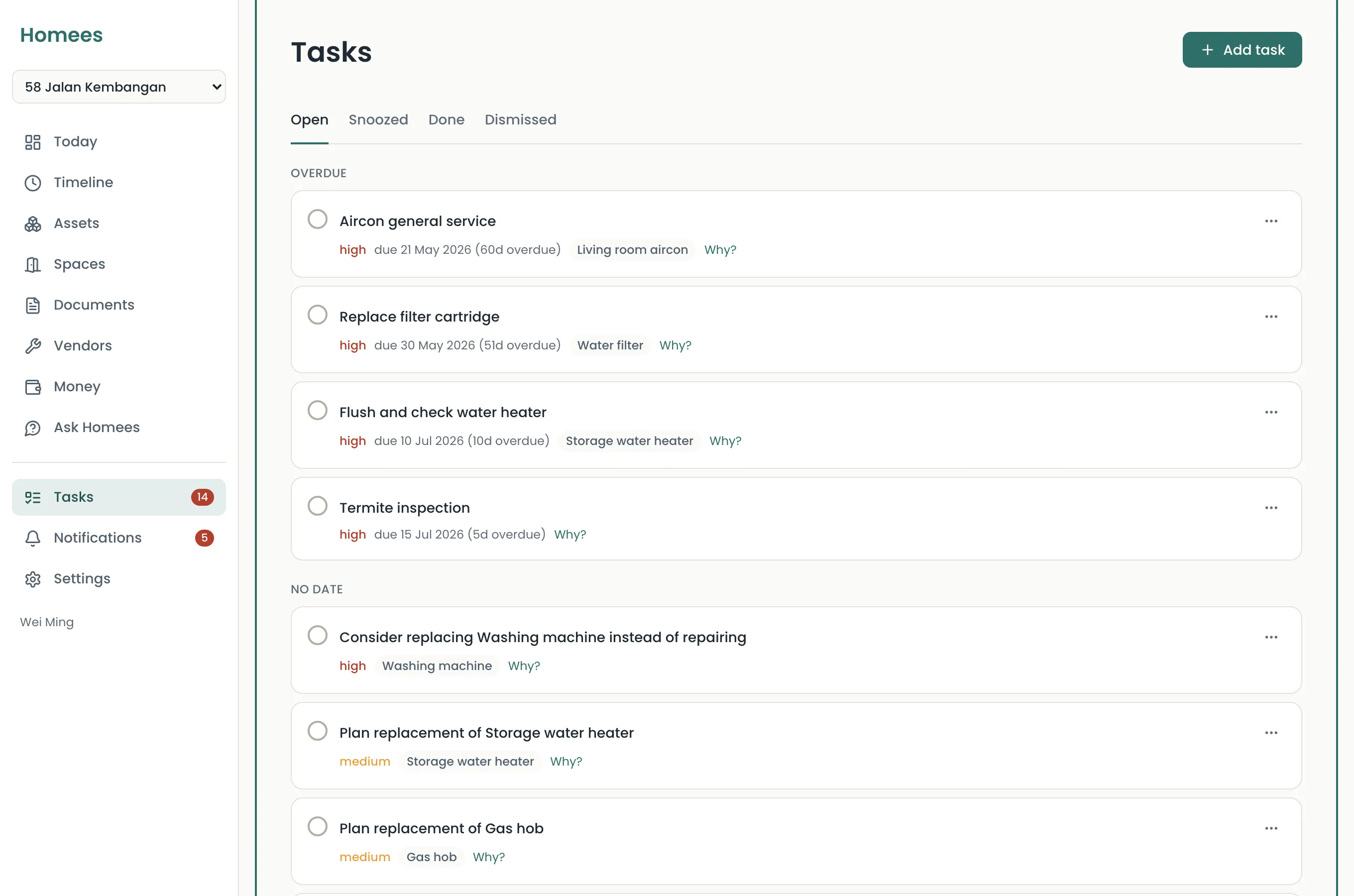
Each night Homees checks every schedule, warranty and appliance age. It creates tasks with a written "why", recomputes your health score, and sends a digest of what needs you at 7am.
Your home exists in Homees -- score, schedule and first documents.
First digest, first completed task, warranty warnings set.
You answer a question from memory -- Homees' memory.
You snap or upload an invoice, receipt or warranty card. Homees reads the vendor, amounts, dates, serial numbers and warranty terms, then shows you what it found. Homees never files anything without showing you first -- you confirm or edit before it lands.
Your data is yours. Export it as JSON or CSV anytime, delete it anytime. It is never sold, never shared for advertising and never used to train AI models. Homees is PDPA-minded from day one.
How we handle your data ->No. Start from Singapore templates, tick what your home has, and snap a photo of any label to have Homees suggest the brand and model. Most homes are set up in about 15 minutes; details can come later.
Setup takes about 15 minutes. Free during early access, no card.
Start your home's memory